
Hyde County Arrest Log Sources
HCSO publishes no 72-hour, weekly, or multi-day blotter. The Hyde County Sheriff’s Department page works as the agency's reference point online. It offers no date-sorted arrest log. No posting hour, field list, archive depth, or roll-off rule is published there either. A multi-day inquiry must come from the office itself. Call HCSO at 252-926-3171 and ask for the records custodian. For current detention, use the jail line at 252-926-1810. Give a date range. The word "recent" alone does not tell the office how far back to search.
Build a Hyde Arrest Timeline
Start with the strongest source. HCSO records document the local arrest and booking. Court records then carry the case past the jail stage. News can point to a notable event, but each story reflects an editor's choice rather than the full jail roster.
- Choose an exact start and end date for the log request.
- Contact HCSO and request public arrest or booking reports for that range. Ask for the record identifier, event date, agency, charges as booked, bond, and release or transfer notation.
- Search the NC eCourts Portal by name or case number, then verify the file with the Hyde County Clerk.
- Use NC SAVAN/VINELink for participating custody changes, not as a complete arrest archive.
- Read dated news only as a selected-incident source. Note whether the facts came from HCSO, another agency, or the outlet’s own reporting.
Timing shapes the choice here. Use Hyde County 24 Hour Arrests when the question is who sits in custody right now. Reach for the multi-day process when several dates, a reporting period, or an older case matter. Mixing the two invites confusion.
Hyde Arrest Log Record Fields
The HCSO site posts no arrest-log fields. The items below are worth requesting. Ask which office maintains each one, and whether a redaction applies.
| Record field | How to read it |
|---|---|
| Name and identity details | Confirm the correct person; similar names can produce false matches. |
| Arrest date/time | Shows when custody began, which may precede booking or transport. |
| Booking number and facility | Identifies the detention record and local custodian. |
| Arresting or booking agency | Distinguishes HCSO from state, park, federal, or neighboring agencies. |
| Charges as booked | States initial charges. |
| Bond and court date | Records a pretrial condition and next scheduled step, not a sentence. |
| Release or transfer | Explains a custody change without erasing the original event. |
| Booking photo | May exist under North Carolina law even though no HCSO public photo view was found. |
A booking photograph is an identification record. G.S. 15A-502 lets officers take photographs and fingerprints in listed circumstances. The statute does not require an online gallery. Ask the HCSO custodian whether a photo is held and releasable.
Hyde Weekend Arrest Records
No complete Hyde blotter exists for measuring a weekend surge or holiday volume. So claims about Monday-morning entries or midnight refreshes have no basis. A Friday arrest may sit unbooked for hours. It may be transferred, too. Another agency may even handle it. Search a range covering the arrest date and the next business days. Then ask HCSO to separate arrest time from booking time.
For a named person, the Hyde County arrest-record hub maps every custody channel. The county jail answers local booking questions. NC SAVAN and VINELink send notices where a participating record exists. NC DAC covers state custody, probation, and parole. The court docket is the durable source for charges after a booking entry goes stale.
Hyde Arrest Archives and Retention
Retention rules decide how long an arrest record survives. North Carolina's Archives schedule sets the clock for county sheriff files. Arrest reports can be destroyed five years after release by the sheriff. Inmate confinement records must be held at least five years after release. Jail reports and logs face a shorter window of three years. Photographs, fingerprints, criminal histories, and dispositions each follow their own triggers. These schedules govern retention behind the scenes. They never promise that a record stays posted online the whole time.
Chasing an old Hyde County arrest starts with HCSO. That office holds the arrest and confinement file. The Hyde County Clerk keeps the criminal case and its disposition. A sentence to state custody points you toward NC DAC instead. When HCSO cannot locate older material, the NC Archives local-government program can tell you whether the record class was transferred or lawfully destroyed.
Why does an old arrest leave a paper trail with no public blotter archive? The official Archives page on local schedules explains that path, including the records-analyst route for agencies seeking schedule approval.
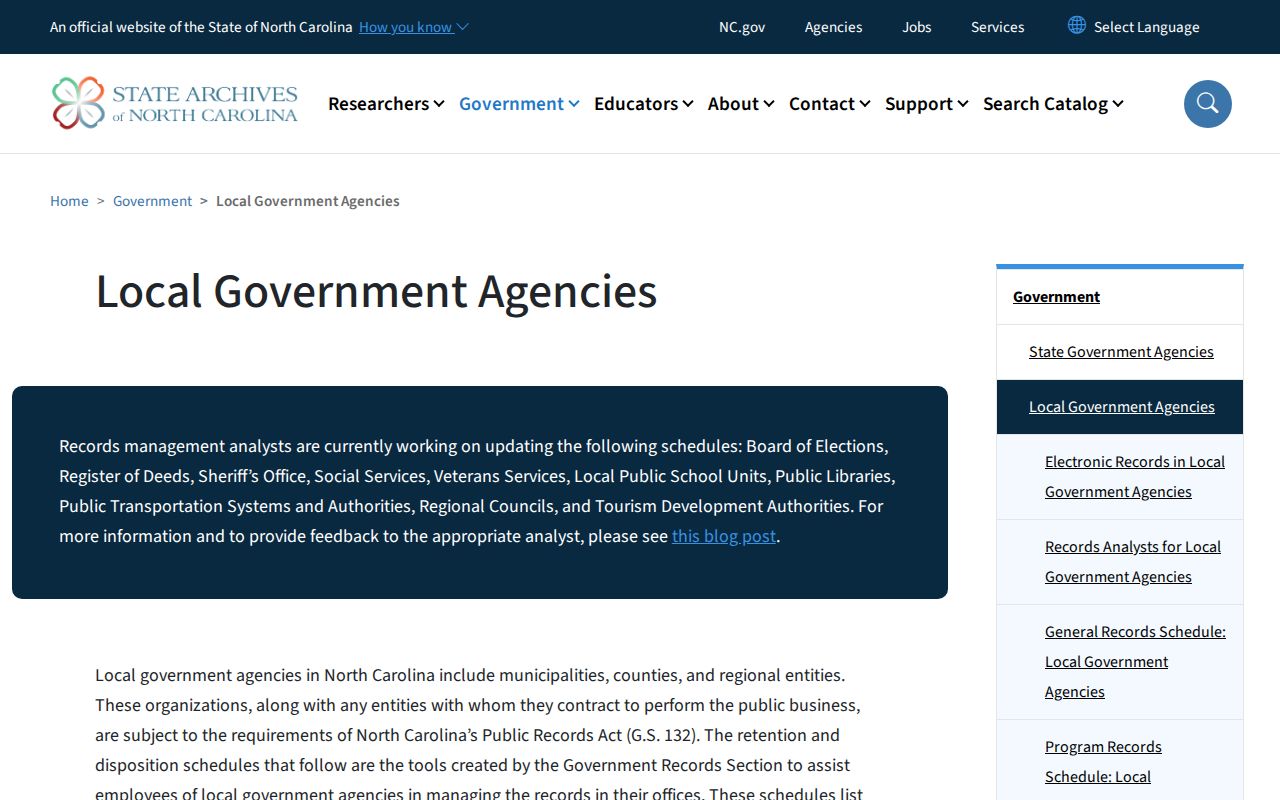
The Archives resource covers retention administration. It is not a live custody list. Nor is it a roster of people arrested. If a custodian finds nothing, ask what record series was searched. Ask also whether the file was transferred, kept elsewhere, or destroyed under an approved schedule. "Not online" does not mean "does not exist." Keep every booking number, case number, date-range reply, and written denial together. Each one helps the clerk or an Archives analyst trace the next repository.
Selected Hyde Arrest News
Hyde County news coverage is scattered. The Ocracoke Observer runs periodic HCSO safety reports. WITN covers regional events, Outer Banks Voice has republished selected HCSO releases, and Eastern NC Now carries Beaufort-area stories that sometimes involve Hyde residents. Each outlet links to the source agency differently. None of them publishes a complete Hyde County arrest log. One WITN regional report shows the difference between an incident location, an assisting agency, and the destination for processing.
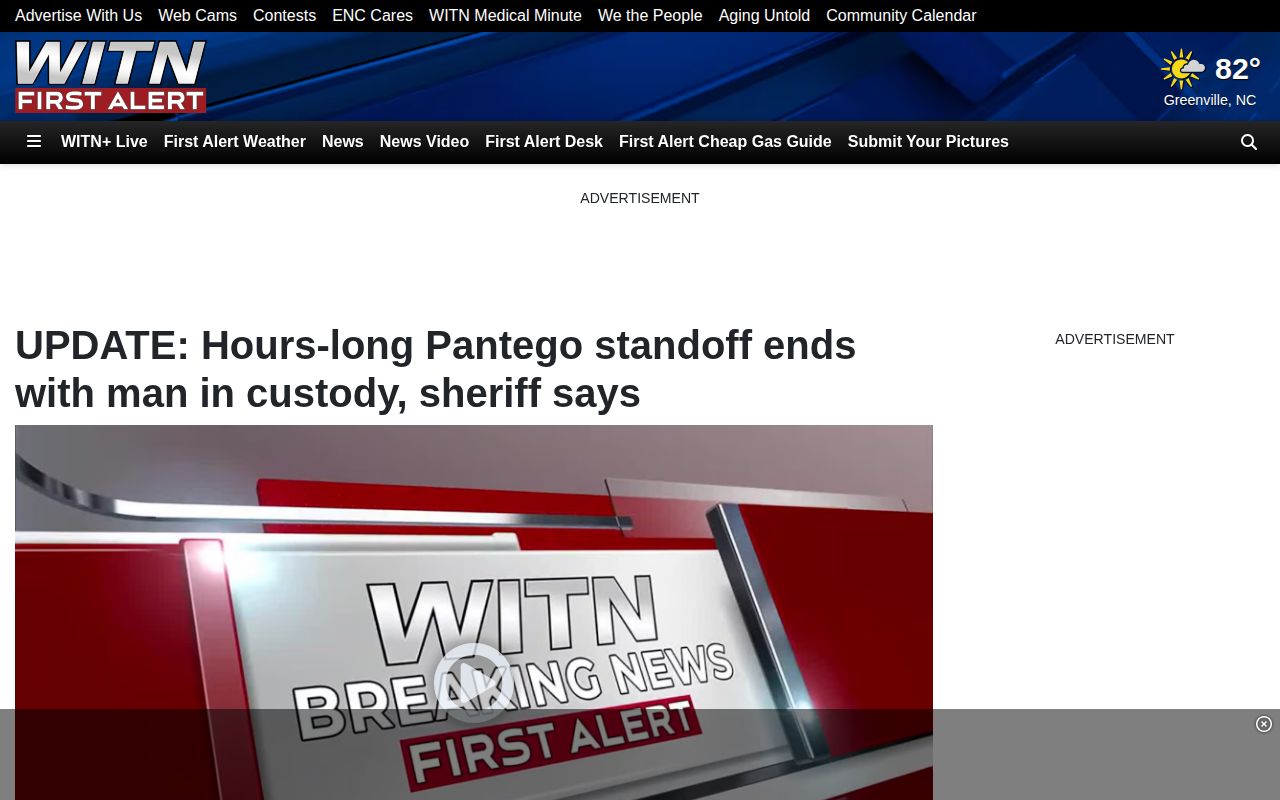
A dated news story makes a fine lead. It can't settle whether someone is still in custody in Hyde County, though. That answer belongs to HCSO records and the courts.
Pull a few details off any report you read. Jot down the publication date, the incident date, and the agency the outlet names. The custody wording matters too. "Taken into custody," "processed," "charged," and "held" each mark a different stage in an arrest. A story photo also proves nothing about a county booking-photo archive. Check whether the outlet later corrected the piece.
Official sources come first. Mugshots.com runs a Hyde-local section, but entries there can be historical, incomplete, or lack photographs altogether. RecentlyBooked and Arrests.org list no verified Hyde coverage. None of them should fill gaps in a county arrest log. When an unofficial page clashes with HCSO or the court, trust the government record and ask the publisher for a correction.
Confirm Hyde Arrest Dispositions
The Hyde County arrest log ends where the court file begins. Turn to the NC eCourts Portal for public case details. Then request the official file from the Clerk of Superior Court at 252-926-4700. A disposition is how the court closes a matter. Dismissal, plea, acquittal, conviction, or another final action all count. That resolution may land long after any blotter dates.
Some records stay out of public view. Juvenile, sealed, and expunged files may not surface in a search. An unreturned criminal warrant is restricted in the Portal as well. So a blank result is not proof that no arrest or case exists. Follow up with the office that handled the matter, and stick to lawfully public information.
For a copy request, give the defendant's name. Add the case number if you have it. Include the dates covered by the HCSO record. Ask whether the clerk file holds the charging document, hearing history, and final disposition. The arrest agency and the court may use different identifiers. Keep both. If a booking entry lists a court date that later moved, the current docket and the clerk's answer control.
Corrections travel the same chain. Route a factual booking error to the HCSO records custodian. Include the record identifier and solid proof. Send docket errors to the clerk instead. When an unofficial report contradicts the official record, cite the corrected government source. Ask its publisher to update the facts.